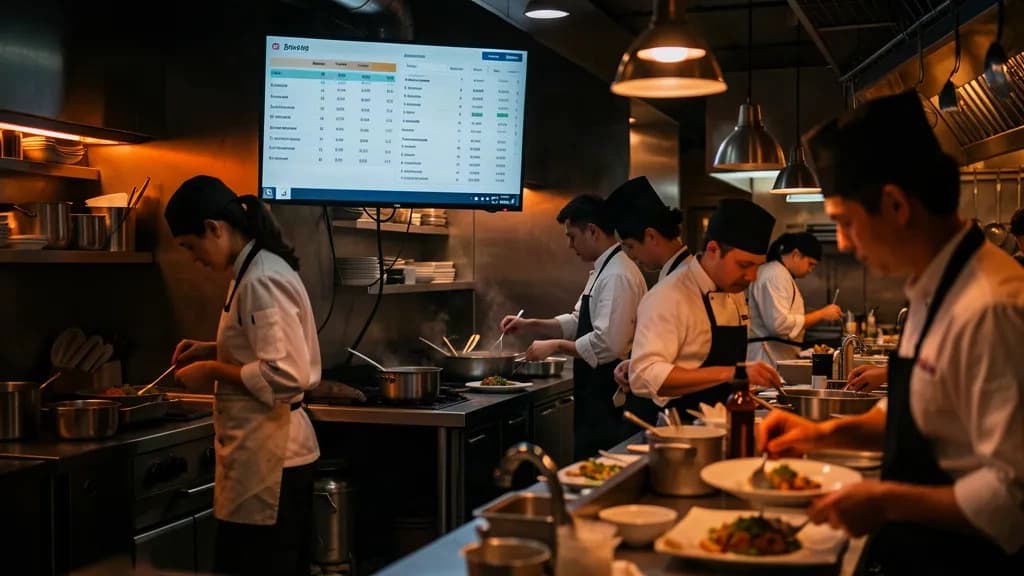
Kitchen Display (KDS)
mAI Kitchen
The kitchen sees every order the moment it's placed
mAI Kitchen replaces paper kitchen tickets with a live screen. Every order from mAI Retail, mAI Estia or mAI Order shows up at once as a card. Its colour shows its status (new, in progress, ready), timers flag late orders, and sounds alert the cooks. Kitchen and floor talk through built-in chat, even with handwritten notes. It runs two ways: over the cloud for multiple stores, or on the local LAN with no internet. Orders can be routed per station (grill, bar, pizza).
Everything you need in mAI Kitchen
Instant order display
The order shows up on the kitchen screen as soon as it is entered at the POS or by the waiter.
Colour-coded workflow
New (red), preparing (orange), ready (green). One tap moves an order along.
Late-order timers
Each order has a live timer that changes colour at 10' and 15', so nothing gets forgotten.
Kitchen–floor chat
Two-way messages with quick replies. You can even send a handwritten note as an image.
Routing per station
Assign product categories to stations (grill, cold kitchen, bar, pizza). There are also combined views per table.
Cloud & offline LAN
RabbitMQ over the cloud, or a local server on the store's WiFi that keeps working without internet.
Platform
- ▹ Flutter (Android tablets / Web)
- ▹ RabbitMQ + local LAN server
- ▹ Raspberry Pi relay
Who it's for
- ▹ Restaurants & tavernas
- ▹ Pizzerias & quick-service
- ▹ Cafés & bars
- ▹ Multi-station kitchens